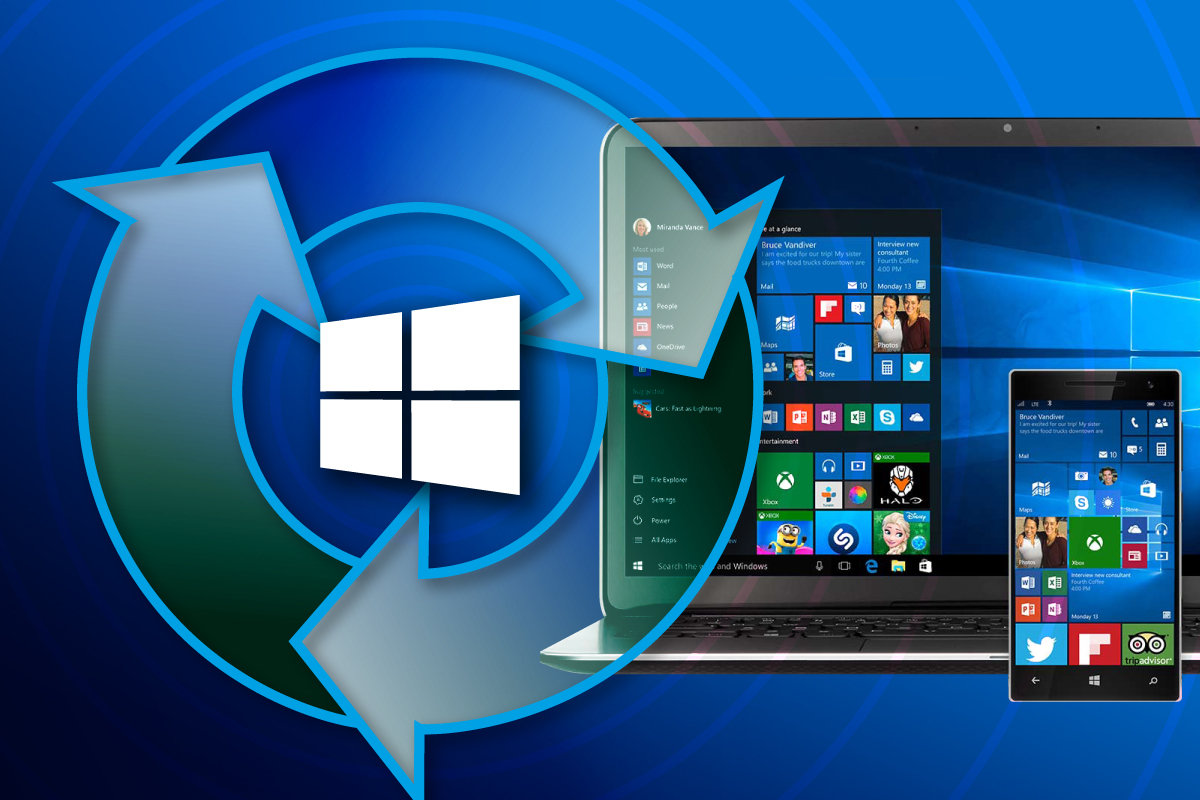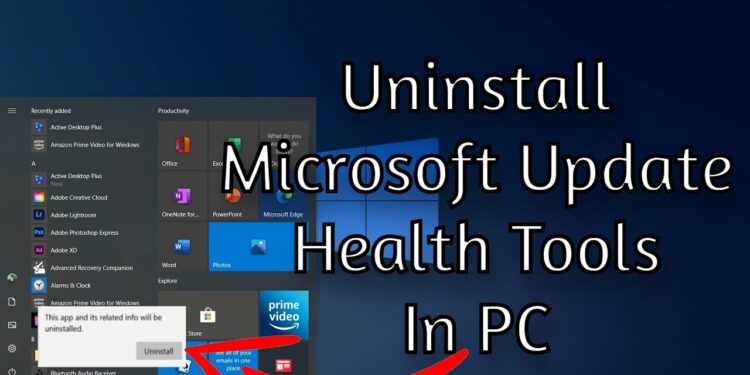
Recently, people have noticed that a new process called ” Microsoft Update Health Tools” is installed in Windows 10. Unfortunately, this application is not executable and can’t be opened. So what exactly is it?
All About Microsoft Update Health Tools
This article will review all of the information you need to know about Microsoft’s Update Health Tools.
What is Microsoft Update Health Tools
Back in April 2018, Microsoft released an update named KB4023057 through Windows Update. It was released for all supported builds of Windows 10 at the time. This update aimed to ensure that your Windows device installs all updates that are to come without a problem by automatically troubleshooting and fixing any parameters involved. Thus, this update included an app that performed these tasks called Microsoft Update Health Tools.
Note that this application has nothing to do with Microsoft Health Services that was deprecated a few years ago.
The application can be visible in certain places within Windows, but it cannot be manually launched as its only function is to perform its tasks in the background. The tasks it performs are:
- Request your device to stay awake longer when installing updates.
- Reset network settings if issues are encountered.
- Clean up any registry keys that may prevent updates from being installed.
- Repair corrupted or disabled Windows components that determine an update’s applicability as per your Windows 10 version.
- Compress files in the system drive to make space for critical updates to be installed.
- Reset Windows update database to repair any issues if encountered.
Microsoft states in their release post that the update KB4023057 includes components to address problems relating to Windows updates.
This update includes data and resources that address problems that affect the update methods in Windows 10 that may check important Windows updates from being placed. You can also check another post like 8 bit music maker.
How to check if Microsoft Update Health Tools is installed
As we spoke, you can check if the app is installed on your PC by two means:
Through the Control Panel and the Settings app.
Check Microsoft Update Health Tools installation through the Settings app.
Since Microsoft Update Health Tools is an application itself, it is visible amongst all the other installed applications on your system.
To confirm whether it is installed on your device, open the Apps and Features page (Run –> ms-settings: app features) in your Settings application and look for the app in the list. If you do not see it, it means it is not installed on your PC.
Check Microsoft Update Health Tools installation using Control Panel
Another way to confirm the Microsoft Update Health Tools installation is through the Control Panel. Also check how to transform AMR to MP3.
Open the Programs and Features page within the Control Panel by typing in appwiz.cpl in Run. Now, look for the app in the list of installed applications.
Safe to uninstall Microsoft Update Health Tools?
It is safe to uninstall Microsoft Update Health Tools from your computer. But before you do that, you must understand that deleting the application could potentially make your next Windows update installations troublesome. Since the app’s function is to install them smoothly, it may not happen so once the application is removed.
Note: It is likely that the application will automatically install again since Microsoft pushes this update from time to time to secure that all devices are receiving updates regularly. If you do not want to install the update again, here is a guide on how to disable or bypass pending updates.
You can uninstall the Microsoft Update Health Tools through the Settings app as well as the Control Panel.
To delete the app from Settings, open the Apps and Features page, click the Microsoft Update Health Tools app, and then click Uninstall. If prompted for a confirmation, click Uninstall again.
To uninstall the Microsoft Update Health Tools from the Control Panel, open the Programs and Features page by typing in appwiz.cpl in Run, and then double-click the app. If prompted for a confirmation, click Yes.
Download and install Microsoft Update Health Tools in Windows 10
If you do not find the app on your PC or have removed it, you can manually install Microsoft Update Health Tools by installing the update KB4023057 on your device in accordance with your Windows version.
Go to Microsoft Update Catalog and download the update that matches your OS version. Once downloaded, double-click the package to install it on your computer.
Conclusion:
After having discussed Microsoft Update Health Tools, we believe that it is safe to say that the application is legitimate and authorized by Microsoft. Hence, it is not malware, so you need not worry about it. Also check chatville alternatives.
We suggest that you do not remove the update from your device unless it is absolutely critical for you to keep your OS version unchanged and not install any other Windows updates.