Have you ever wondered what the best video format is for your video editing project? Worried that you’ll make a choice that will affect your video quality?
With all of the different video file formats out there, it can be hard to know which one to use. If you’re not sure if you’re using the right video format for your project, you could be wasting time and money.
But don’t worry. Keep reading to see a complete breakdown of the most common video formats and a guide on how to get the most from each type.
Format: Quicktime (.mov)
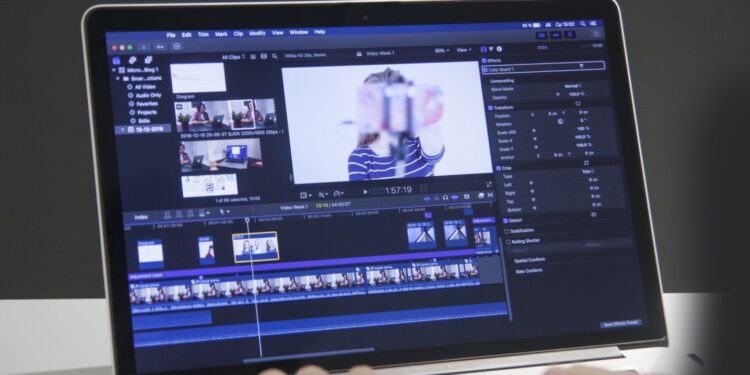
Quicktime is Apple’s multimedia container format that works with both audio and video data. It can be used in editing software (such as iMovie or Final Cut), but it also comes into play when sharing movies online or watching them on an iPod/iPhone/iPad.
The standard file extension for this type of file is ‘.mov’, but some cameras will give footage a ‘.mp4’ suffix instead – these files are essentially identical. This container format is also compatible with Windows, although there are sometimes additional problems converting the files back to their original state (more on that later).
Format: MPEG Streamclip (.mov)
This is a special case of the Quicktime container. Most video cameras can encode footage into this type of file instead of regular .mov format. There are two types ‘.mp4’ and ‘.m4v’.
The former will play in Quicktime 7 but not the latest version, while the latter will play in both older and newer versions, yet cannot be played natively by iPods or iPhones. It’s best to export your project like this if you want it to work on all devices, but either extension should be fine if you’re only using it for your purposes.
Format: MPEG-2 (.mpg)
This is another container format like .mov, but this one uses the MPEG-2 video codec. It’s usually compatible with most editing software, and offers higher compression ratios than the other formats here; however, there are compatibility issues on some devices, although not as many as with other incompatible containers like AVI.
Format: MP4 (.mp4 or .m4v)
The standard method of encoding files into this format – via Quicktime itself – can be problematic. The ‘.m4v suffix doesn’t work natively with iTunes, so you can’t access the files directly through this program. You will need to convert the .m4v file into a ‘.mp4’ version by using MPEG Streamclip or a conversion application.
Format: AVI (.avi)
An old container format that was originally developed for Windows 3.11, and is now widely encountered on PCs. Files encoded using other codecs may be frustratingly incompatible with editing software as well as various devices (such as iPods), although many PC-based digital cameras do use the AVI format as their default recording medium.
If you want to convert avi to MP4, you can learn how-to here.
Format: ProRes (.mov)
This is a professional video encoding format developed by Apple, which uses the H.264 codec to encode high-quality HD footage. Many modern digital cameras use this system, and it’s one of the most efficient ways to record HD data.
Remember, apple limits its use to its machines (Macs), so you may need extra software on some PCs to use it.
Find the Perfect Video file formats For your Next Project
So which video file formats should you use? Ultimately, it depends on what you’re using the video for. Just remember that not all devices support all formats, so do a little research beforehand to make sure you don’t make any mistakes!
Want more articles like this? Check out our blog!